Domain renewal and expiration planning
An expired domain can interrupt both website and email. Assign renewal responsibility before the deadline.
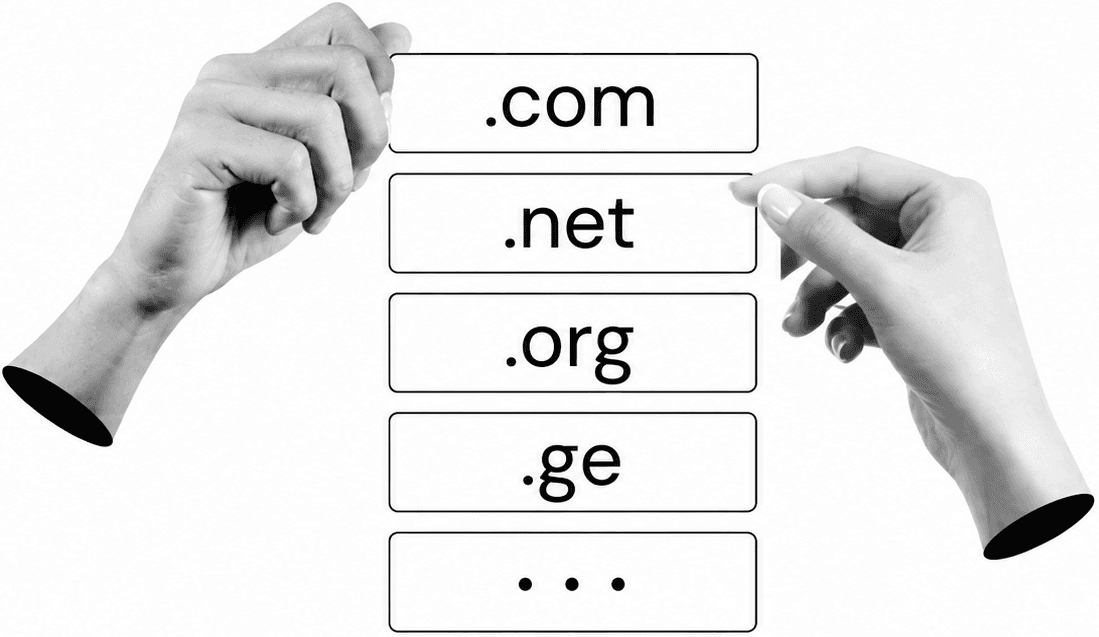
Why the deadline matters
The domain provides the public address for a website and email. If registration expires and service stops, customers may be unable to reach either service even while the hosting server still operates.
Post-expiration recovery rules vary by extension and registrar. Do not count on an unconfirmed grace period; renew ahead of time.
Assign renewal ownership
Keep one inventory of extensions, registrars, registrants, deadlines, contact emails and payment owners. If notices reach only one employee, renewal may be missed during their absence.
Review contact and payment details regularly. Even with automatic renewal, verify that the payment method works and the new expiration date appears in the account.
- Put deadlines in a shared calendar.
- Assign a primary and backup owner.
- Confirm the new expiration after payment.
Registration and renewal prices
First-year registration and later renewal do not always cost the same. Cloud360's domain table displays them separately; confirm the current total in the final order.
If you hold several extensions, count the annual combined cost. Redirecting alternatives need renewal too.
If the deadline is near or past
Check the exact status in the registrar account, then ask support about recovery options for that case. Avoid changing DNS or registrant data in parallel until the requirements are clear.
Technical references
Continue reading

Choose an environment that fits your project
Compare current resources and plan the next step for your website or application.