WordPress and PHP hosting: choosing an environment
Check versions, storage, databases, updates and recovery before moving a WordPress or PHP website.
What a WordPress site needs
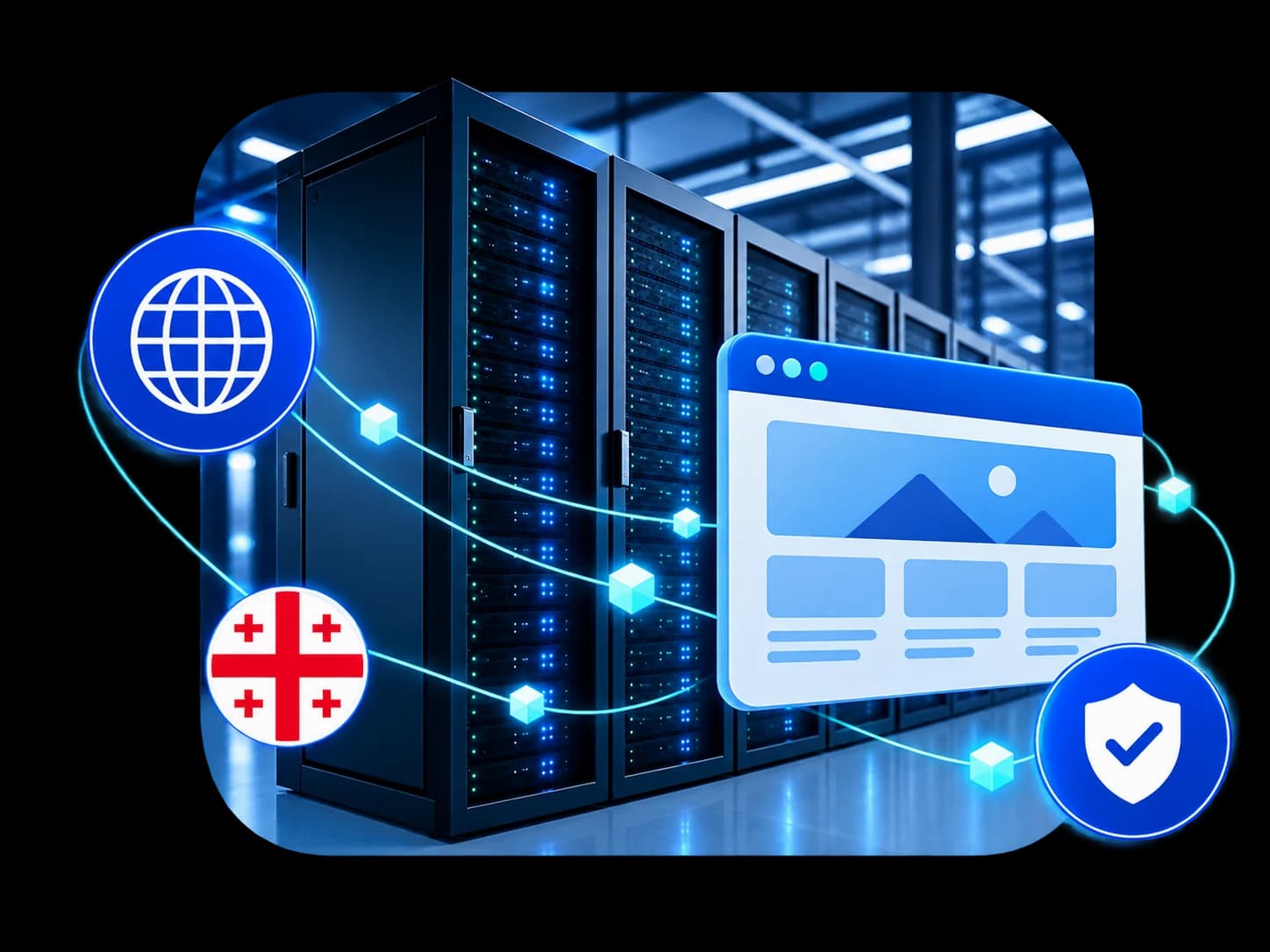
WordPress runs on PHP and a database. Compare its requirements with the host's supported versions, database limits and available storage. Include media growth, themes, plugins and any need for a staging copy.
Cloud360 lists WordPress and PHP among supported shared-hosting technologies. That does not establish support for every plugin or PHP extension; verify requirements that are essential to your project.
Performance starts with the website
Image size, caching, themes, plugins and third-party scripts often affect loading more than a small difference between plans. Measure real pages and slow requests first, then decide whether you need optimization or more capacity.
For stores or frequently edited sites, test dynamic pages too. A fast cached homepage does not prove that checkout is fast.
- Use maintained themes and plugins.
- Optimize images and configure caching.
- Test forms, login and purchase journeys.
Updates and security
Update WordPress core, themes and plugins regularly. Keep a recoverable copy before a significant change and check compatibility. HTTPS, separate user accounts and least-privilege access complement hosting-level controls.
Remove unused code, review errors and decide who will restore the site after a failure.
When a VPS makes sense
Shared hosting is convenient when the site fits a standard environment and you do not need system administration. Consider a VPS for custom server software, separate cache or worker processes, system settings or an independent application environment.
A VPS also adds responsibility for updates, security and monitoring. Base the choice on a concrete technical need.
Technical references
Continue reading
Choose an environment that fits your project
Compare current resources and plan the next step for your website or application.